Amazon
Published 9 min readAmazon listing optimisation: nine common listing problems UK sellers can fix this week
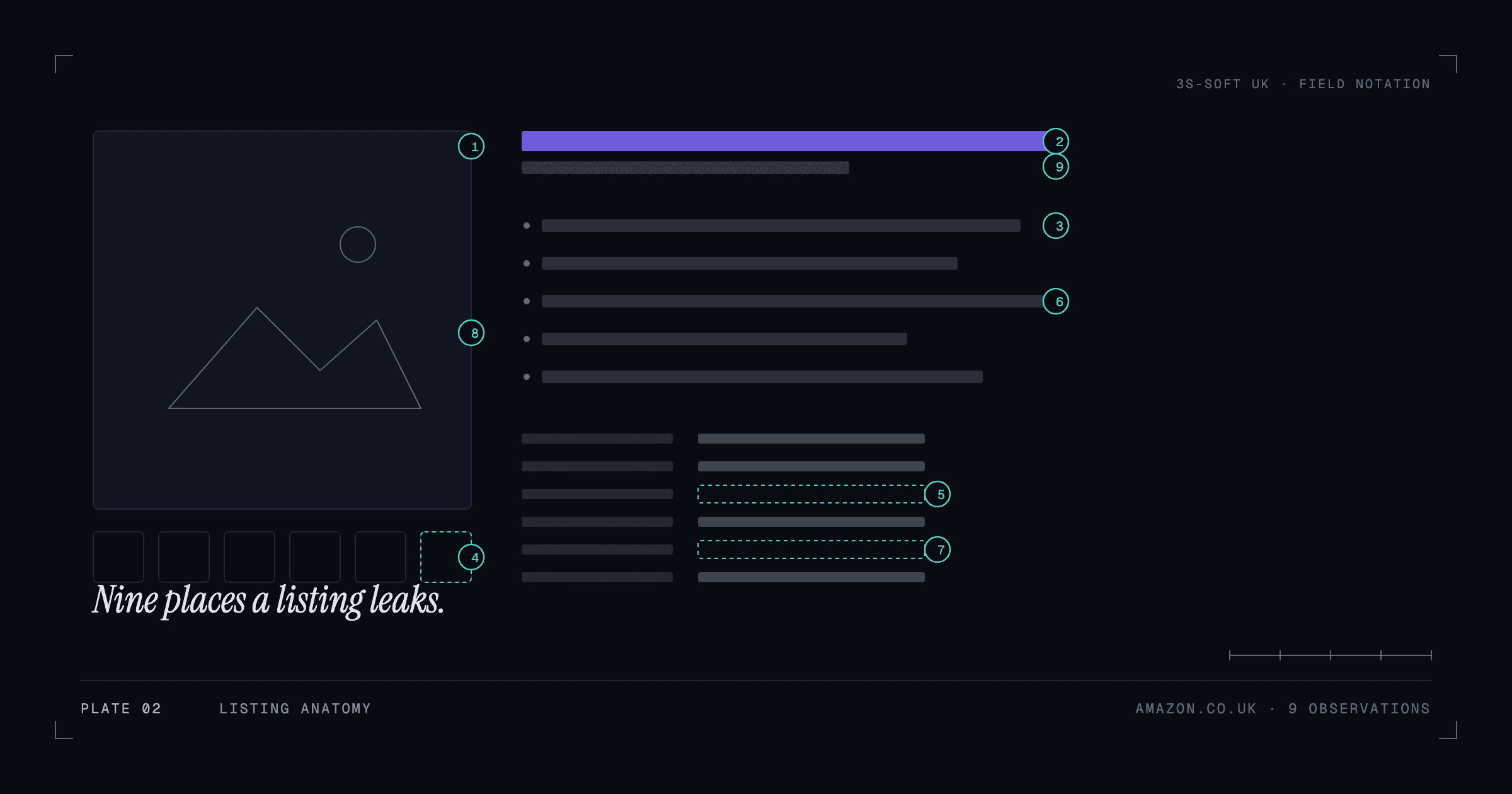
Most underperforming Amazon.co.uk listings share the same handful of problems: incomplete attributes, titles that bury the keywords, bullets that describe instead of sell, images that leave questions unanswered, split or broken variations, and backend search terms nobody has touched. Each is fixable in Seller Central without new tools. Here are the nine we see most, in the order we would fix them.
What "listing optimisation" means on Amazon
Amazon ranks and displays products based on how relevant a listing is to a search and how well it converts once shown. Listing optimisation is the work of making the listing complete, accurate and persuasive on both counts: the right attributes and words so Amazon can match it to searches, and the right content so shoppers choose it. It is not advertising, and it does not involve anything that breaks Amazon's policies.
The problems below are the ones that come up most often when we audit a UK seller's catalogue as part of Amazon listing optimisation. Most take under an hour each to fix.
1. The listing is suppressed or has a quality alert
A suppressed listing does not appear in search at all. Causes include a missing main image, an image that breaks the white-background rule, a title over the category's character limit, or a required attribute left blank. Check Manage Inventory for suppressed and quality-alert flags first, because nothing else matters while a product is hidden.
- Open the listing's quality alert; Amazon names the field it wants fixed.
- Confirm the main image is on a pure white background and shows only the product.
- Check the title against the category limit, not a general rule of thumb.
2. Required and recommended attributes are blank
Attributes such as material, colour, size, target gender, item form and country of origin feed both filters and search. Blank attributes mean the product disappears from filtered results and can trigger listing quality warnings. Use the category's flat file or the listing editor to complete every required field and as many recommended ones as apply. This is tedious at scale, which is why we handle it as catalogue work rather than product by product.
3. The title buries the keywords
Shoppers and Amazon both read the first few words of a title. Lead with the brand and the product type, then the attribute shoppers search for most (size, material, pack count), then a distinguishing feature. Avoid stuffing: a title that repeats the same term three times reads badly and can be flagged. Write it for a person scanning results on a phone, where only the first 60–70 characters show.
4. Bullet points describe but do not answer
The five bullets are where a shopper decides. Each should answer a question: what is it made of, what does it fit, how big is it, what is in the box, what problem does it solve. Front-load each bullet with the benefit, then the detail. Specifications belong in the attributes and the comparison chart, not in a bullet that nobody finishes reading.
5. Images leave questions unanswered
The main image sells the click; the rest sell the purchase. A complete image set shows scale (the product in hand or beside a familiar object), the product in use, close-ups of materials and fixings, every colour or variant, and a graphic that states dimensions. Reviews that say "smaller than expected" usually point to a missing scale image.
6. Variations are split or wrongly grouped
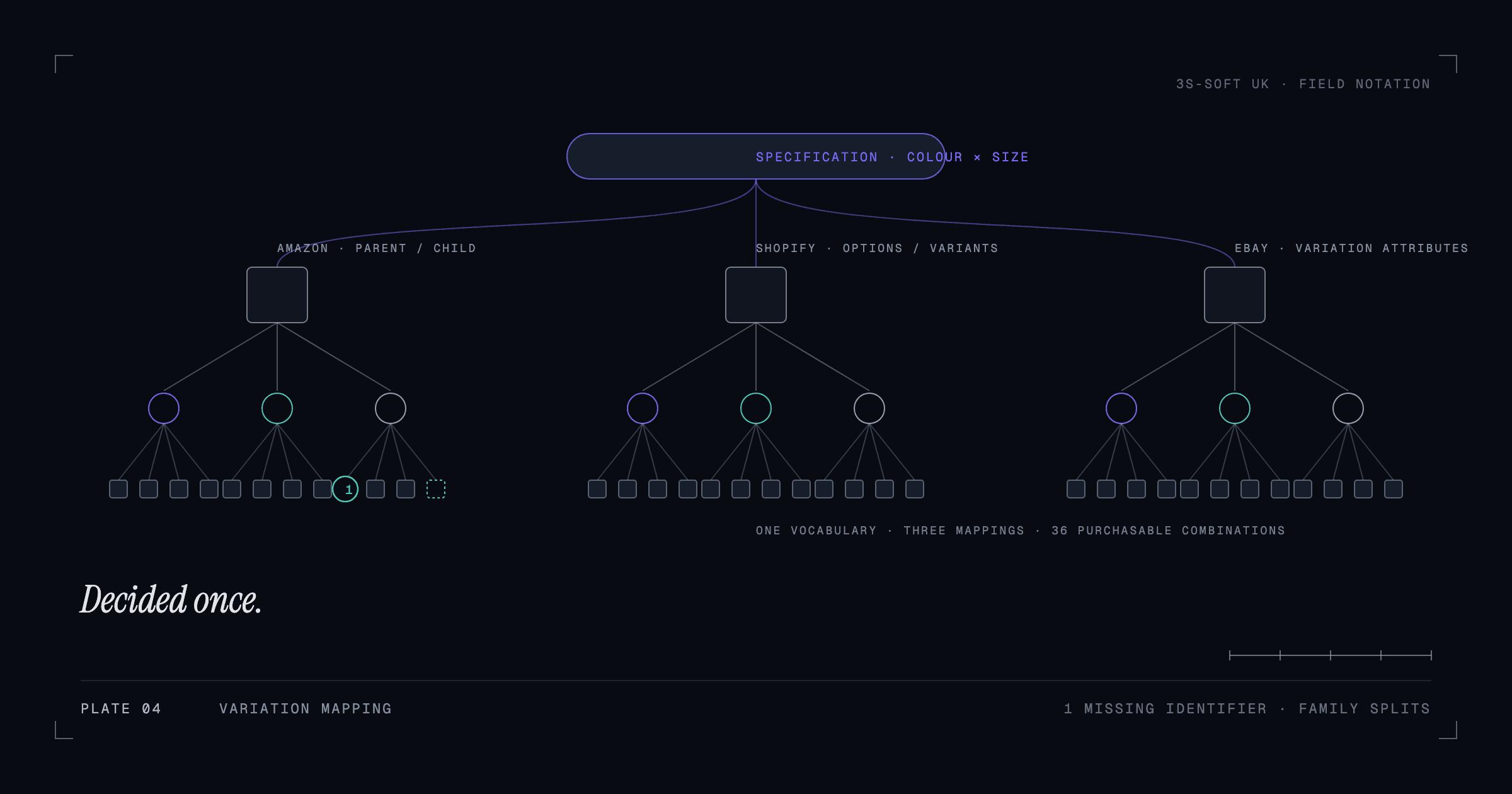
When the same product in six colours is six separate listings, reviews and ranking signals are divided six ways and shoppers cannot compare. When unrelated products are forced into one variation family, Amazon may break the family or suppress it. Variations should group only true variants of one product, with consistent variation themes (size, colour, size-colour). We cover the detail in managing product variations across Amazon, Shopify and eBay.
7. Backend search terms are empty or wasted
The backend search terms field is for words shoppers use that do not belong in the visible copy: synonyms, alternative spellings, related uses. It has a byte limit, so do not repeat words already in the title, do not add brand names you do not own, and do not add punctuation or filler. A short list of genuine alternatives (jumper, sweater, pullover) does more than a wall of repeated terms.
8. The A+ space is empty
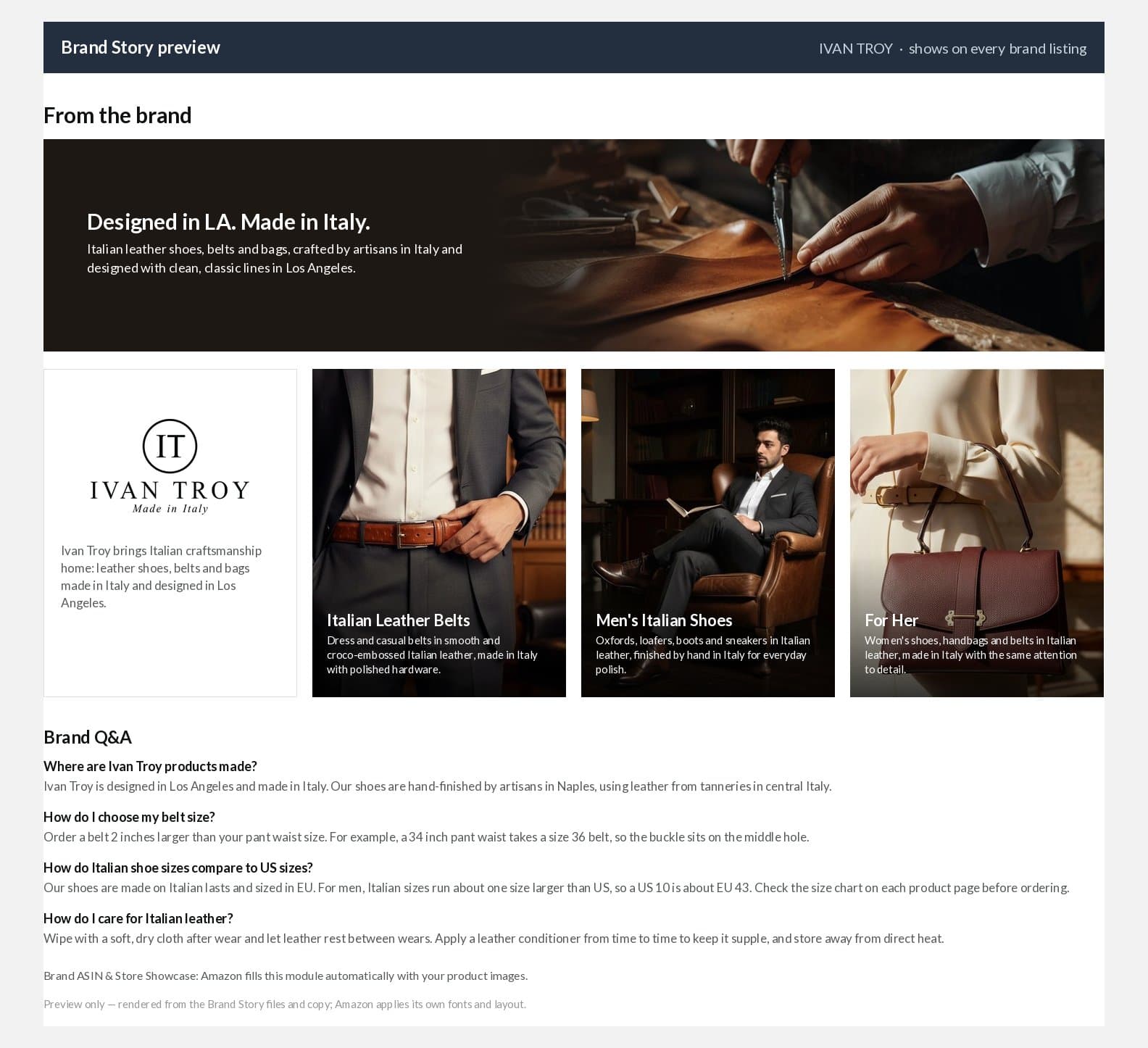
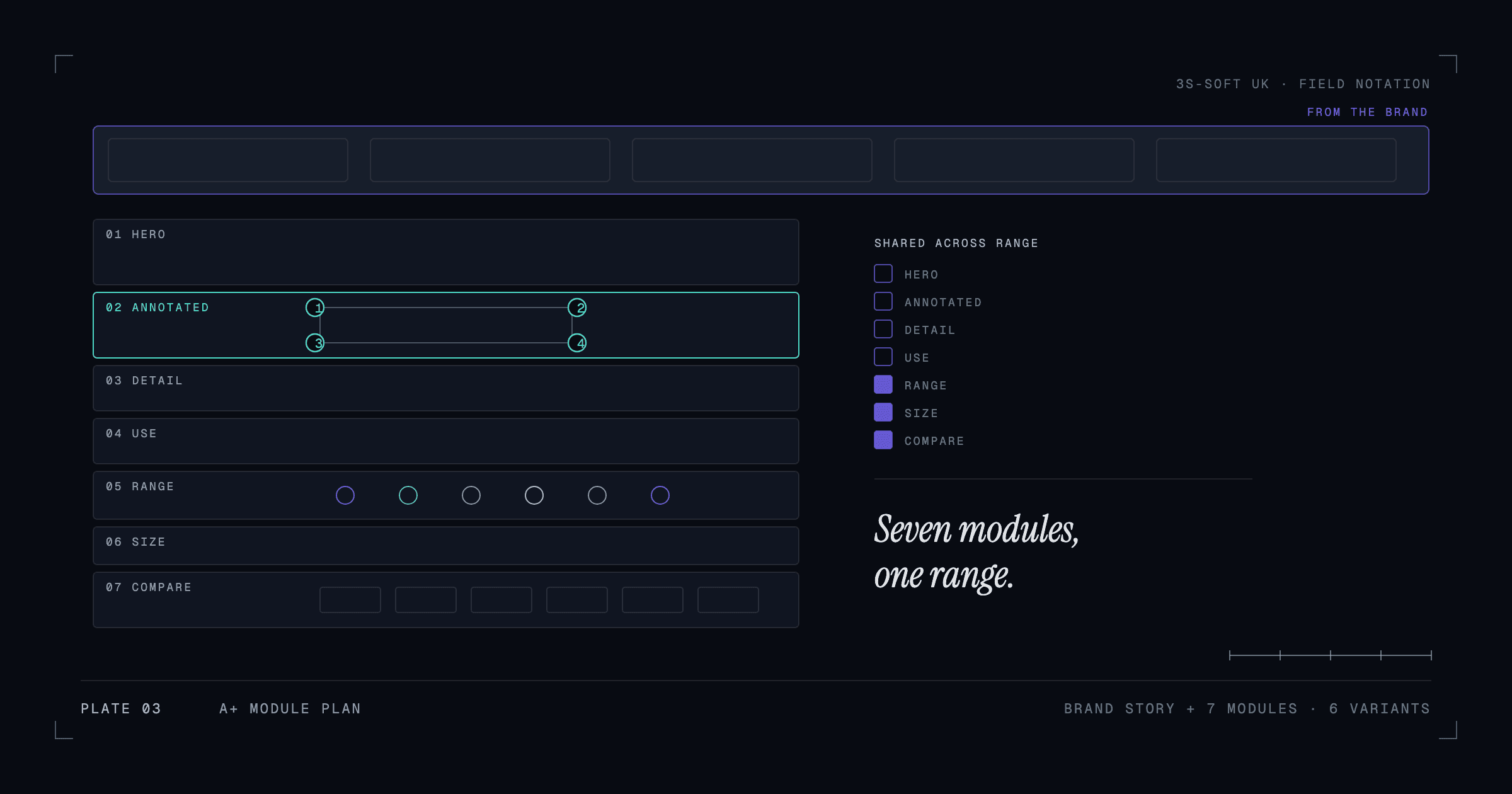
If the brand is enrolled in Brand Registry, the listing can carry A+ Content below the bullets: designed modules that explain the product, compare the range and answer objections. Leaving it empty hands the space to a plain description. We wrote a separate guide to what A+ Content is and what to put in it, and the Ivan Troy case study shows a full set built for a six-colour range.
9. The UK listing is a copy of the US one
Amazon.co.uk shoppers search in British English and expect metric units, UK sizing and UK plugs or standards where relevant. A listing lifted from Amazon.com with "color", inches and US sizes loses relevance and trust. Localise spelling, units, size charts and any compliance wording for the UK marketplace.
A fix order that works
Work through the list in order: visibility problems first (suppression, attributes, variations), then the content shoppers read (title, bullets, images), then the extras (search terms, A+, localisation). Change one listing, let it settle for a week, and compare sessions and conversion in Business Reports before rolling the same changes across the range. We do not promise ranking or sales outcomes, because they also depend on price, reviews and competition; what the list above does is remove the problems that hold a listing back.
Key takeaways
- Fix visibility first: suppressed listings, blank attributes and broken variations hide the product entirely.
- Titles lead with brand, product type and the most-searched attribute; bullets answer questions, not describe.
- A complete image set shows scale, use, detail, variants and dimensions.
- Backend search terms are for synonyms, not repetition.
- Localise for Amazon.co.uk: British spelling, metric units, UK sizes.
Frequently asked questions
How do I find out why my Amazon listing is suppressed?
In Seller Central, open Manage Inventory and filter for suppressed or quality-alert listings. Each alert names the field Amazon wants corrected, most often the main image, a required attribute or the title length.
Does Amazon listing optimisation guarantee higher rankings?
No. Ranking also depends on price, reviews, stock and competitors. Optimisation removes the problems that stop a listing being found and chosen; it cannot promise a position.
Should I optimise listings before running Amazon ads?
Yes. Advertising sends shoppers to the listing; if the listing is incomplete or unconvincing, the ad spend converts poorly. Fix the listing first, then advertise.
Can you optimise my listings without my Seller Central password?
Yes. You add a user with limited permissions in Seller Central's User Permissions, and you can remove that access at any time.
How we can help
- Amazon listing and content optimisation
Amazon listings created and optimised for how shoppers search and compare, including Amazon SEO fundamentals.
- A+ Content and Enhanced Brand Content
Designed A+ modules for brand-registered products that explain, compare and reassure.
- Product data and variation management
Parent-child variations, options and attributes set up correctly across Amazon, Shopify and other channels.