Product Catalogue Management
Published 8 min readManaging product variations across Amazon, Shopify and eBay without breaking your catalogue
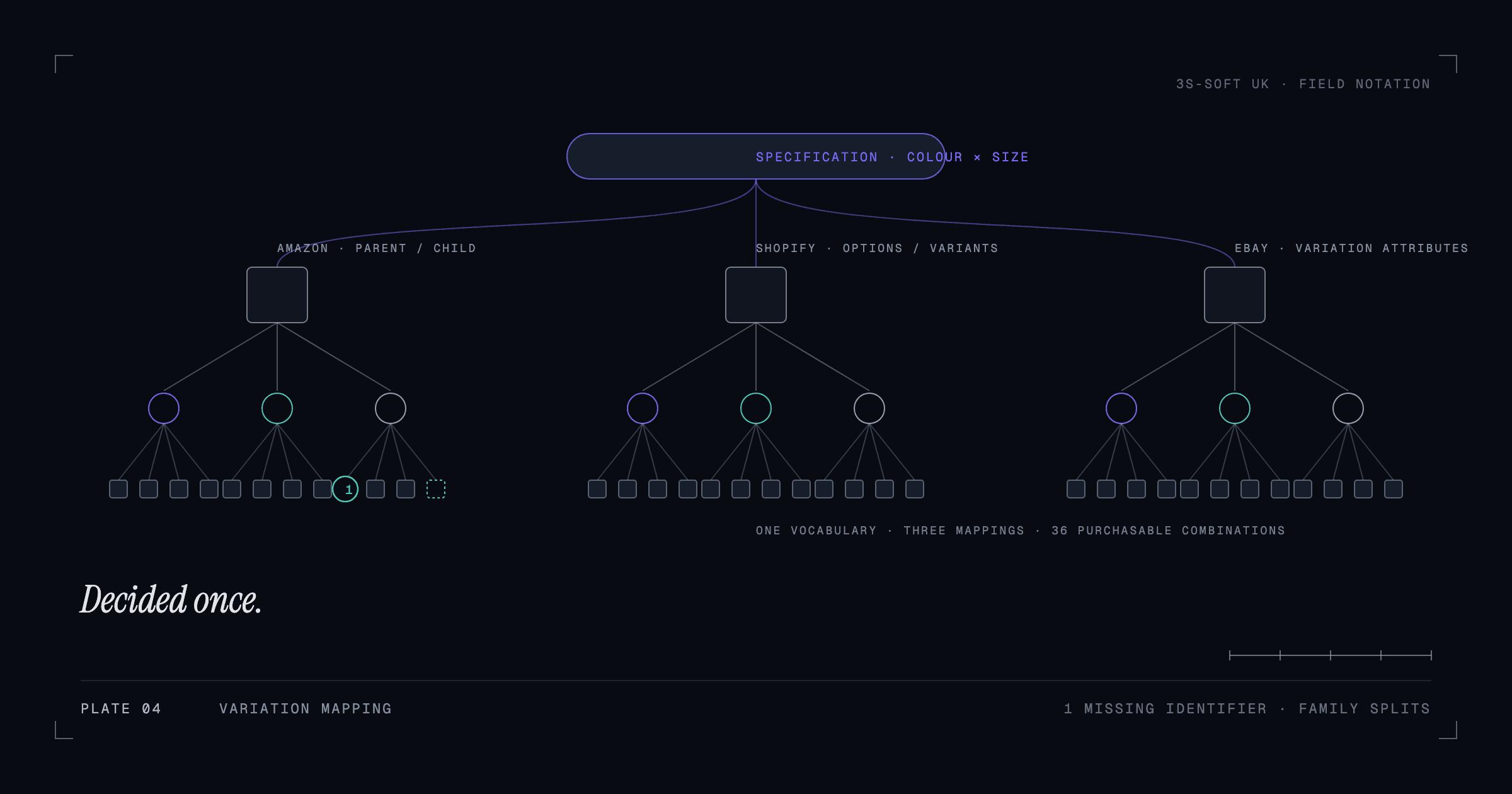
Every platform groups sizes, colours and versions of a product differently: Amazon uses parent-child variation families with fixed variation themes, Shopify uses options and variants under one product, and eBay uses variation listings with its own attribute names. Variations break when the structure is decided per platform instead of once. The fix is a single source of truth for options and values, then a mapping to each channel's rules.
Why variations cause so many problems
A variation is the same product in a different size, colour or version. Customers expect to pick the version on one page. Each platform supports that, but with different rules about what can vary, how the values are named and what happens when the grouping is wrong. A catalogue that was built on one platform and copied to another usually inherits that platform's assumptions, which is where the breakage starts.
This is one of the most common jobs in our product data and variation management work, so the structure below is the one we apply before touching any individual listing.
How each platform models variations
| Platform | Model | Key constraints |
|---|---|---|
| Amazon | Parent ASIN (not purchasable) with child ASINs, grouped by a variation theme such as Size, Colour or Size-Colour | The theme must be one the category allows; all children must share the theme; children need their own unique identifiers (GTINs) unless exempt; parents carry no stock or price |
| Shopify | One product with up to three options (e.g. Colour, Size, Material); each combination is a variant with its own SKU, barcode, price and stock | Option names and values are free text, so consistency is up to you; variant limits per product apply |
| eBay | A multi-variation listing with up to several variation attributes per listing, using eBay's item specifics names where possible | Attribute names should match the category's item specifics; images can be assigned per variation value (for example per colour) |
Decide the variation model once
Before mapping to any platform, decide for each product type which attributes vary (the options) and the exact list of allowed values (the vocabulary). Write them down as a table. "Colour: Black, Navy, Cognac" and "Size: 30, 32, 34" is a specification; three listings each written slightly differently is not.
- Use one spelling and case for every value, everywhere: "Navy" never "navy" or "Navy Blue".
- Keep value lists short and stable. Adding "Midnight" when you already have "Navy" doubles the maintenance for every channel.
- Give each purchasable combination a SKU that encodes the options (BELT-IVO-BLK-34) and a unique barcode.
- Decide the product boundary: is a different material a variant or a different product? Apply the answer to the whole category.
Mapping to Amazon's variation themes
Amazon only accepts the variation themes the category defines. Check the category's flat file or the listing tool for the allowed themes, then map your options to them: your Colour and Size options become the Size-Colour theme, for example. Children must carry the attribute values exactly, and the parent must be created with the same product type as the children. Changing a theme later means rebuilding the family, so get it right at the start.
Mapping to Shopify variants
Shopify's options map naturally from your specification: option 1 Colour, option 2 Size, each combination a variant. Set the SKU and barcode on every variant, because exports to marketplaces rely on them, and keep option values identical across products in the same category so filters group correctly. If you sell colours as separate products (one listing per colour), say so in your specification and use a metafield to link the siblings so the theme can show "also available in".
Mapping to eBay variations
eBay's variation attributes should use the category's recommended item specifics names (for example "Colour" and "Size", with eBay's expected values) so the listing qualifies for filters and best-match. Assign images per colour value where the platform allows, and make sure each variation has its own SKU and quantity. eBay allows variations only in categories that support them; check before planning a multi-variation listing.
Keeping the three in sync
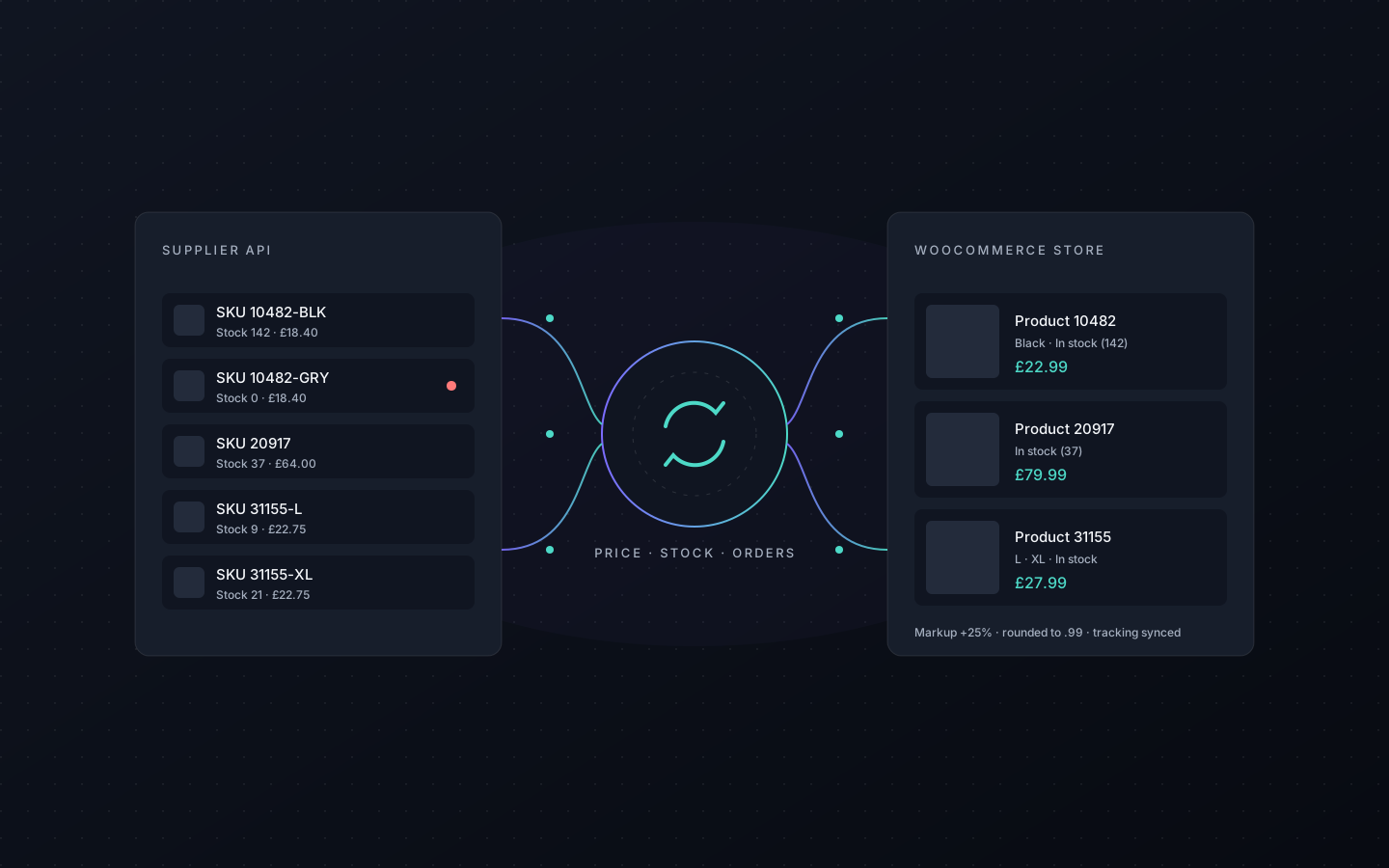
Once the specification exists, the day-to-day work is keeping stock, price and content aligned per variant across channels. Doing that by hand across hundreds of combinations is where errors creep in: a sold-out size still live on eBay, a price change missed on one Amazon child. Integration tools, from channel apps to supplier feeds, exist for this; our Price & Stock Sync plugin is an example of automating a supplier feed into WooCommerce, and the same principle applies between your store and the marketplaces.
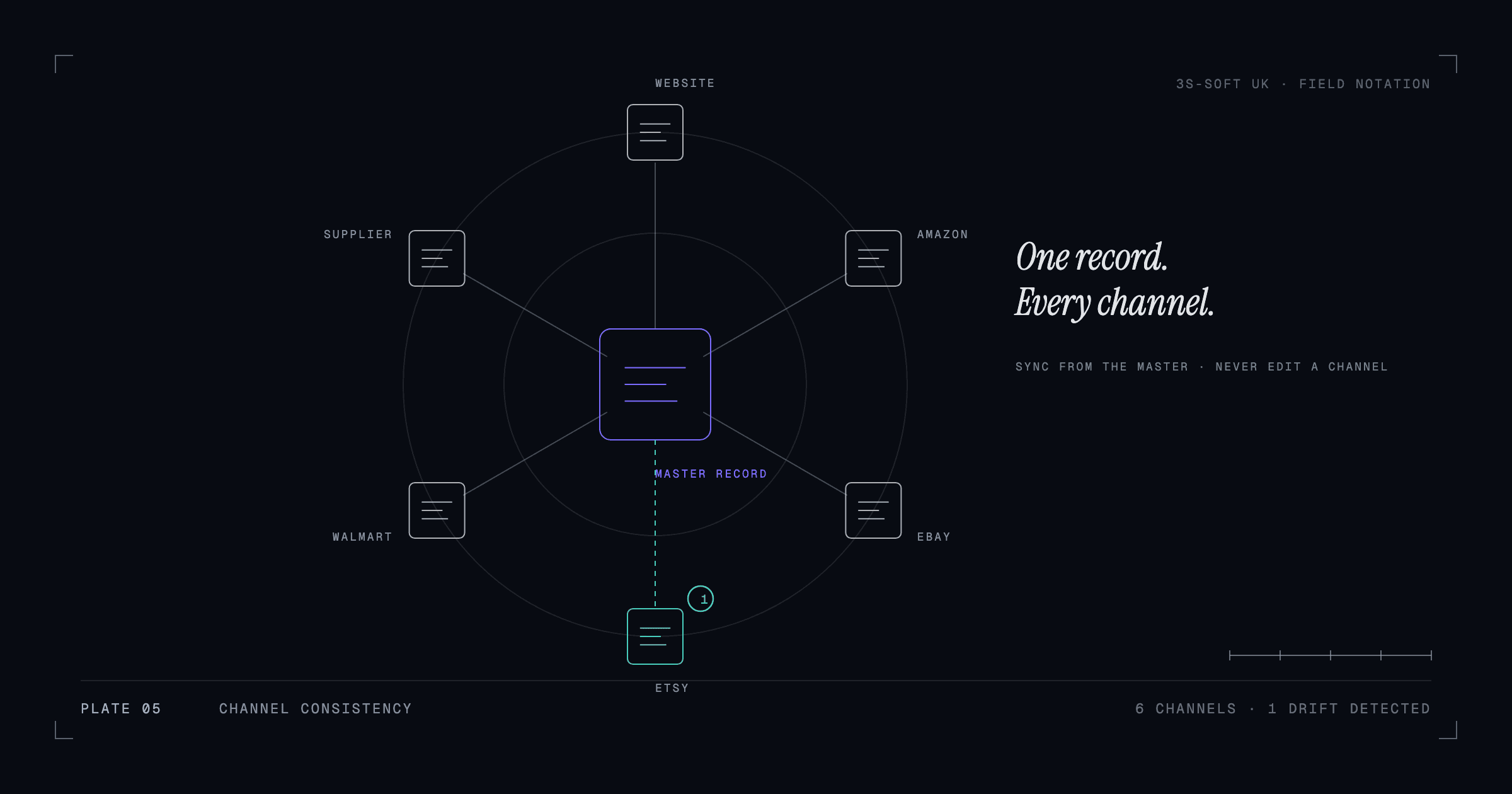
Whatever tool you use, the variant SKU is the key that joins everything. Unique, stable SKUs and barcodes are not administrative tidiness; they are what makes multi-channel selling possible. We cover the content side in keeping product content consistent across every sales channel.
Key takeaways
- Decide options and allowed values once, in writing, before mapping to any platform.
- Amazon themes, Shopify options and eBay item specifics are three views of the same specification.
- Every purchasable combination needs a unique, stable SKU and barcode.
- Do not force unrelated products into one Amazon family.
- Sync stock, price and content per variant with a tool keyed on SKU, not by hand.
Frequently asked questions
Can I add a new colour to an existing Amazon variation family?
Yes, by creating a new child ASIN with the same product type, the same variation theme and the new attribute value, then assigning it to the parent. The new child needs its own product identifier unless the brand has a GTIN exemption.
Why did Amazon split my variation family?
Usually because the children were not true variants of one product, the variation theme was not allowed for the category, or the attribute values were inconsistent. Amazon also acts on families that appear to combine unrelated products.
Should colours be variants or separate products on Shopify?
Either model works if it is applied consistently within a category. Variants keep one page per product and one set of reviews; separate products give each colour its own URL and imagery. Choose based on how customers shop the category, then stick to it.
How do I keep variant stock in sync between Shopify and Amazon?
Use an integration that matches on SKU and pushes stock changes to each channel. Make sure SKUs are identical across platforms first; mismatched SKUs are the most common cause of sync failures.
How we can help
- Product data and variation management
Parent-child variations, options and attributes set up correctly across Amazon, Shopify and other channels.
- Marketplace support and expansion
Listing and catalogue coordination across Amazon, Shopify and supporting marketplaces such as eBay, Etsy and Walmart.
- Product catalogue management
Clean, consistent, well-structured product data across hundreds or thousands of SKUs.