Website Development
Published 9 min readWhat to consider before redesigning your business website
A website redesign goes well when you know what the current site does for you before you replace it: which pages bring visitors, which bring enquiries, what is slow, what nobody uses. Decide the goal, inventory the content, plan the redirects, and set the technical standard before anyone opens a design tool. This checklist covers the decisions that make the difference, in the order to make them.
Be clear about why
"It looks dated" is a reason to refresh the design. "Enquiries have dropped and the site is slow on phones" is a reason to rebuild. The two call for different projects and budgets. Write down the problem the redesign must solve in one sentence, and the two or three measures that will tell you whether it did: enquiries per month, time to first contact, pages per visit, Core Web Vitals. If you cannot name the measure, the brief is not ready.
Find out what the current site already does
Before replacing anything, learn which pages matter. Google Search Console shows which pages receive impressions and clicks and for which queries. Analytics, if installed, shows where visitors land and where they leave. Your inbox and phone log show which pages people mention when they get in touch. A page with no traffic can be cut; a page quietly bringing a quarter of your enquiries must be protected.
- Export all URLs with their traffic and backlinks.
- Mark each as keep, merge, rewrite or remove.
- Note every URL that ranks or has inbound links; these need redirects if they change.
Protect your search visibility
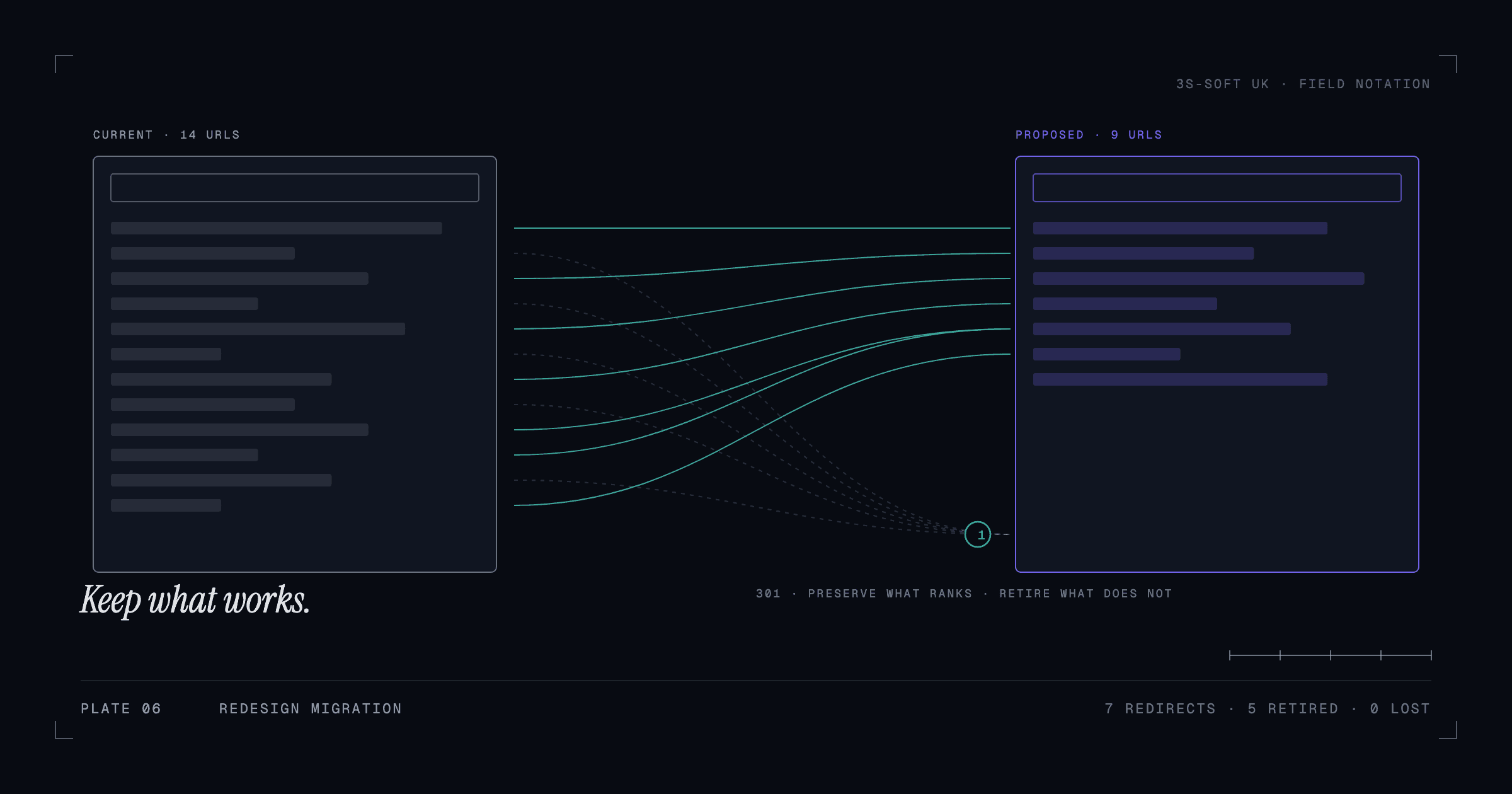
Rankings are attached to URLs, content and the links pointing at them. A redesign changes all three unless you decide otherwise. Keep URLs where they still make sense; where they must change, create one-to-one 301 redirects before launch. Keep the substance of pages that rank, even if the design changes around them. Preserve titles, headings and internal links that are working. We cannot promise a redesign will not move rankings, but a planned migration removes the avoidable losses.
Set the technical standard in the brief
The things that make a site good to use are easy to specify and hard to retrofit. Put them in the brief so every proposal is measured against the same bar.
- Mobile-first layouts that work from 360px wide upwards, with no horizontal scrolling.
- Performance targets: Lighthouse performance of 90 or above on mobile, Core Web Vitals in the green.
- Accessibility: semantic headings, keyboard navigation, visible focus states, sufficient colour contrast, alt text on images.
- Editable content: the team must be able to change text and images without a developer.
- Security and maintenance: who updates the platform, how backups work, where the site is hosted.
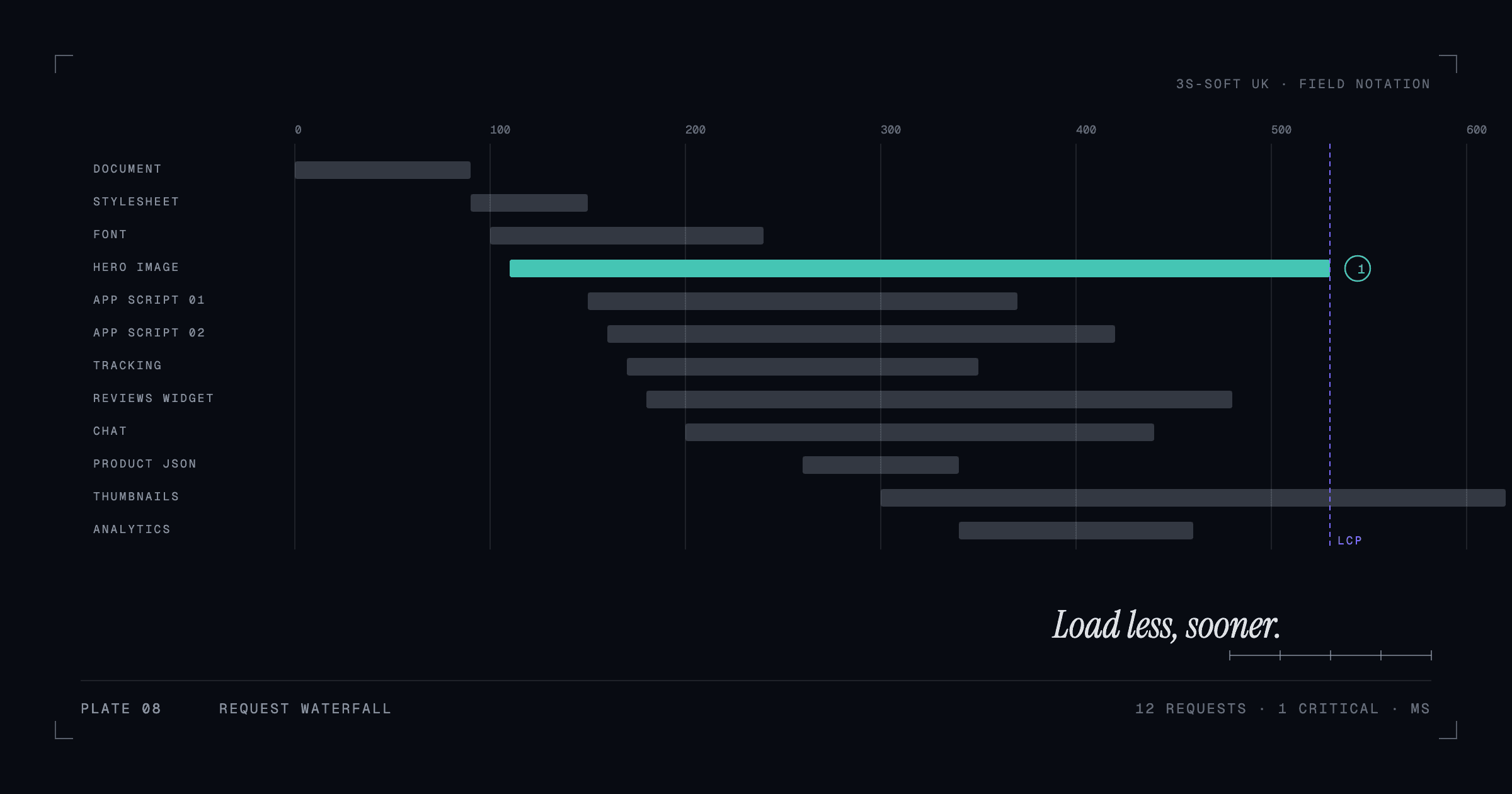
We went into the performance side in more detail in why your product pages load slowly.
Choose the platform for the job, not the fashion
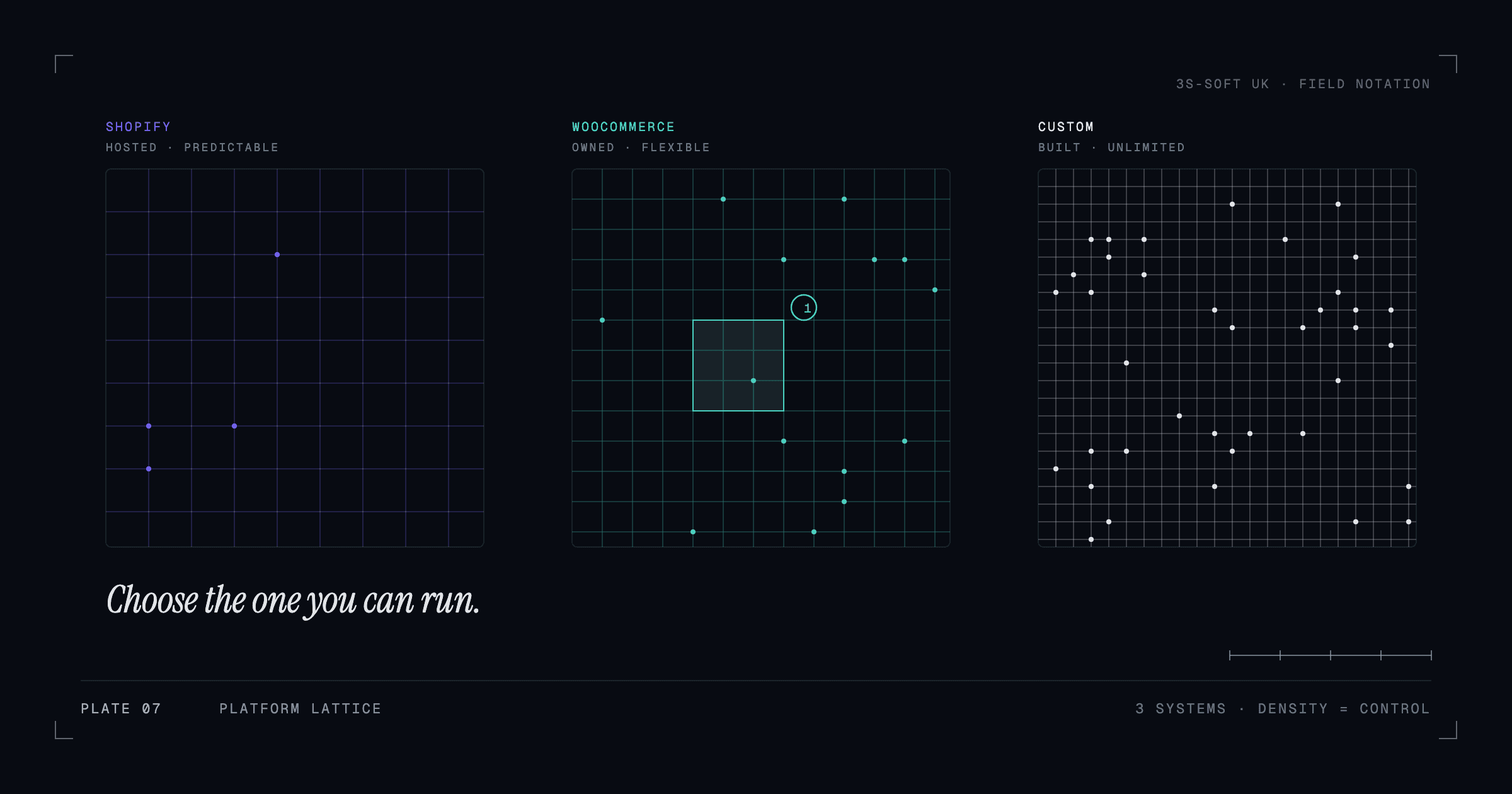
A content-led business site that the owner edits weekly suits WordPress with a custom theme. An online store suits Shopify or WooCommerce depending on catalogue and integration needs. A site with custom functionality or the highest performance demands suits a Next.js or React build. The right answer depends on who edits it, what it integrates with and how it must perform, which is why we compared the options in Shopify, WooCommerce or a custom build.
What a UK small-business redesign typically involves
Published UK pricing guides put a five-to-ten-page business site in the low-to-mid thousands of pounds with a freelancer or small agency, with copywriting, photography and SEO work adding a material amount on top. Online stores, bookings and integrations cost more. We do not publish fixed prices because scope varies so much; what we do is give a fixed written quote after a short planning conversation. The questions in the next section are how you make quotes comparable.
Questions to ask any agency
- Which of your live sites is most like what we need, and can we click through it?
- How will you handle redirects and search visibility during the move?
- What will the Lighthouse and accessibility scores be, and will you show us before launch?
- Who owns the design, code and content when we have paid?
- How do we edit content ourselves after launch?
- What does ongoing maintenance cover and cost?
- Who exactly does the work, and who is our point of contact?
If you want to see how we answer them, start with our work and the website development page, then tell us about your project.
Key takeaways
- Write the problem and the measures of success before the brief.
- Inventory the current site; protect the pages that rank and bring enquiries.
- Plan redirects and the migration checklist before launch, not after.
- Put mobile, performance, accessibility and editability targets in the brief.
- Choose the platform by who edits it, what it integrates with and how it must perform.
Frequently asked questions
How often should a business website be redesigned?
There is no fixed interval. Redesign when the site no longer reflects the business, when it fails on phones or performance, or when it cannot support something you need to do. Many sites are better served by targeted improvements than a full rebuild.
Will a redesign hurt my Google rankings?
It can, if URLs change without redirects or ranking content is removed. A planned migration with a redirect map, preserved content and post-launch monitoring removes most of the risk, though no one can guarantee rankings.
How much does a small business website redesign cost in the UK?
Published UK guides suggest a few thousand pounds for a 5–10 page site built by a freelancer or small agency, with content, photography and SEO adding to that, and online stores or bookings costing more. Ask for fixed written quotes against the same brief.
Should I redesign or just fix the current site?
If the structure and platform are sound and the problems are design or speed, targeted fixes are cheaper and faster. If the platform is holding you back, the site is unmaintainable or the structure is wrong, rebuild.
How we can help
- Website redesigns
Modernise an outdated site without losing what works: structure, content, search visibility and links.
- Business websites
Clear, fast, well-structured websites that explain what a business does and make it easy to get in touch.
- Website maintenance and improvements
Updates, security, performance monitoring and small improvements on an agreed, ongoing basis.