E-commerce Operations
Published 7 min readKeeping product content consistent across every sales channel
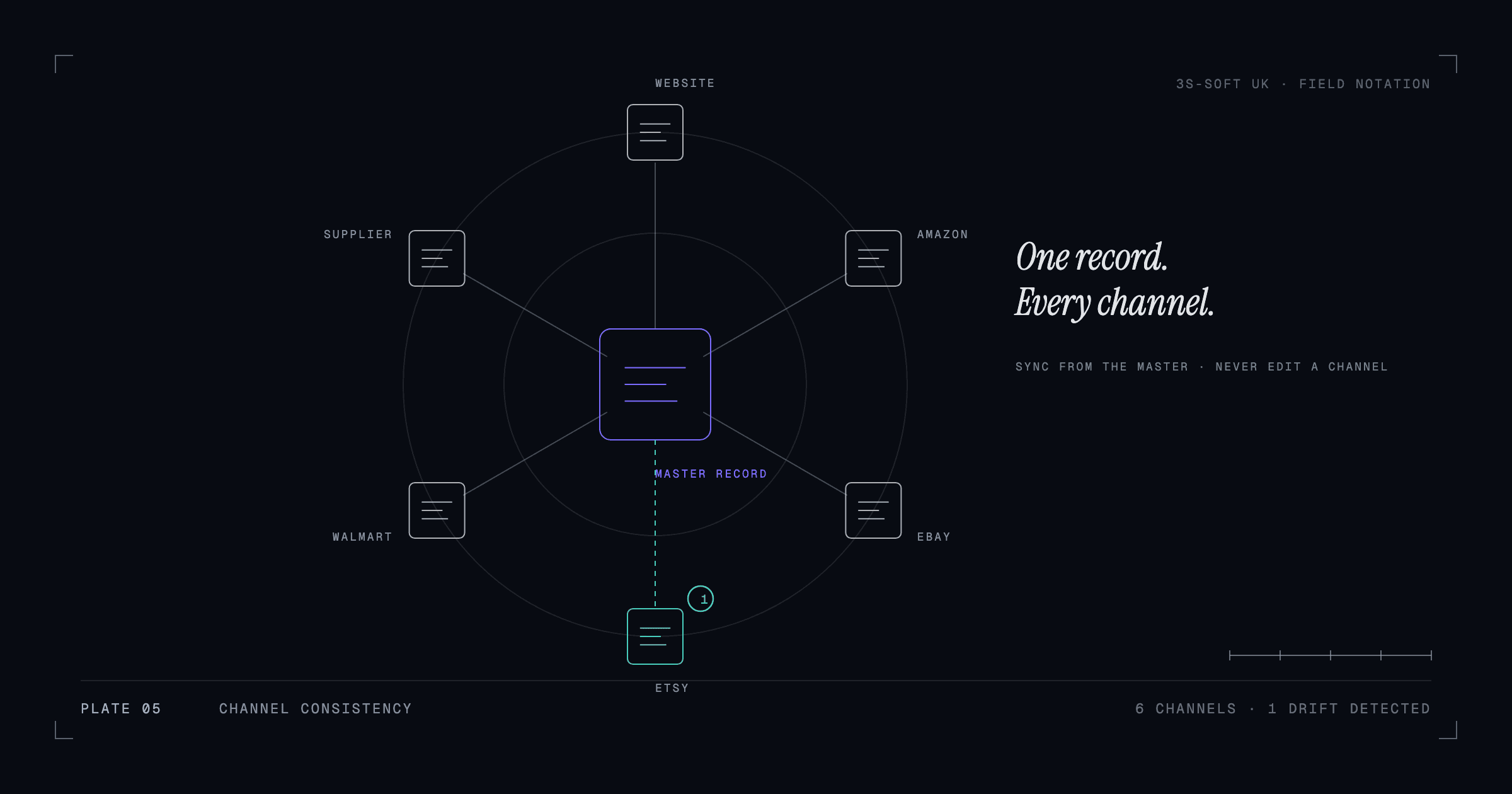
Product content drifts between channels because each channel is edited separately. The way to stop it is to keep one master record per product, with every attribute, description and image in it, and to treat each channel listing as an export from that record with channel-specific rules applied. That does not require enterprise software; a disciplined spreadsheet or your store's product data can be the master.
What inconsistency costs
A product that is "Navy" on the website, "Dark Blue" on Amazon and "Blue" on eBay is three products to a search engine and a source of returns to a customer. Inconsistent dimensions produce "not as described" claims. Different images confuse repeat buyers. And when something changes, three places have to be updated, so one of them is always behind. None of this shows up as one big failure; it shows up as a slow leak of trust and time.
Choose a single source of truth
The master record is the one place a product's facts live. For many small and mid-sized sellers the best candidate is the store itself, Shopify or WooCommerce, because it already holds products, variants, images and metafields. For sellers who are marketplace-first, a well-structured spreadsheet or a lightweight product information tool can be the master. What matters is that there is exactly one, and that every channel is updated from it rather than edited directly.
- Every attribute a channel needs is a column or field in the master, even if your own site does not display it.
- Images are stored once, named by SKU and view (SKU_main, SKU_scale, SKU_detail), and referenced from the master.
- Descriptions are written once in a neutral form and adapted per channel by rule, not rewritten freehand.
Write content that can be adapted, not copied
Each channel has its own limits: Amazon title lengths and bullet rules, eBay item specifics, your own theme's layout. Rather than writing a different description for each, structure the master content so it can be assembled: a short benefit line, a feature list, a specification table, a care or use note. Amazon bullets come from the feature list; the website description uses all of it; eBay's specifics come from the specification table. The facts stay identical; only the arrangement changes.
We described the tag and metafield side of this for Shopify in how to organise a large Shopify product catalogue.
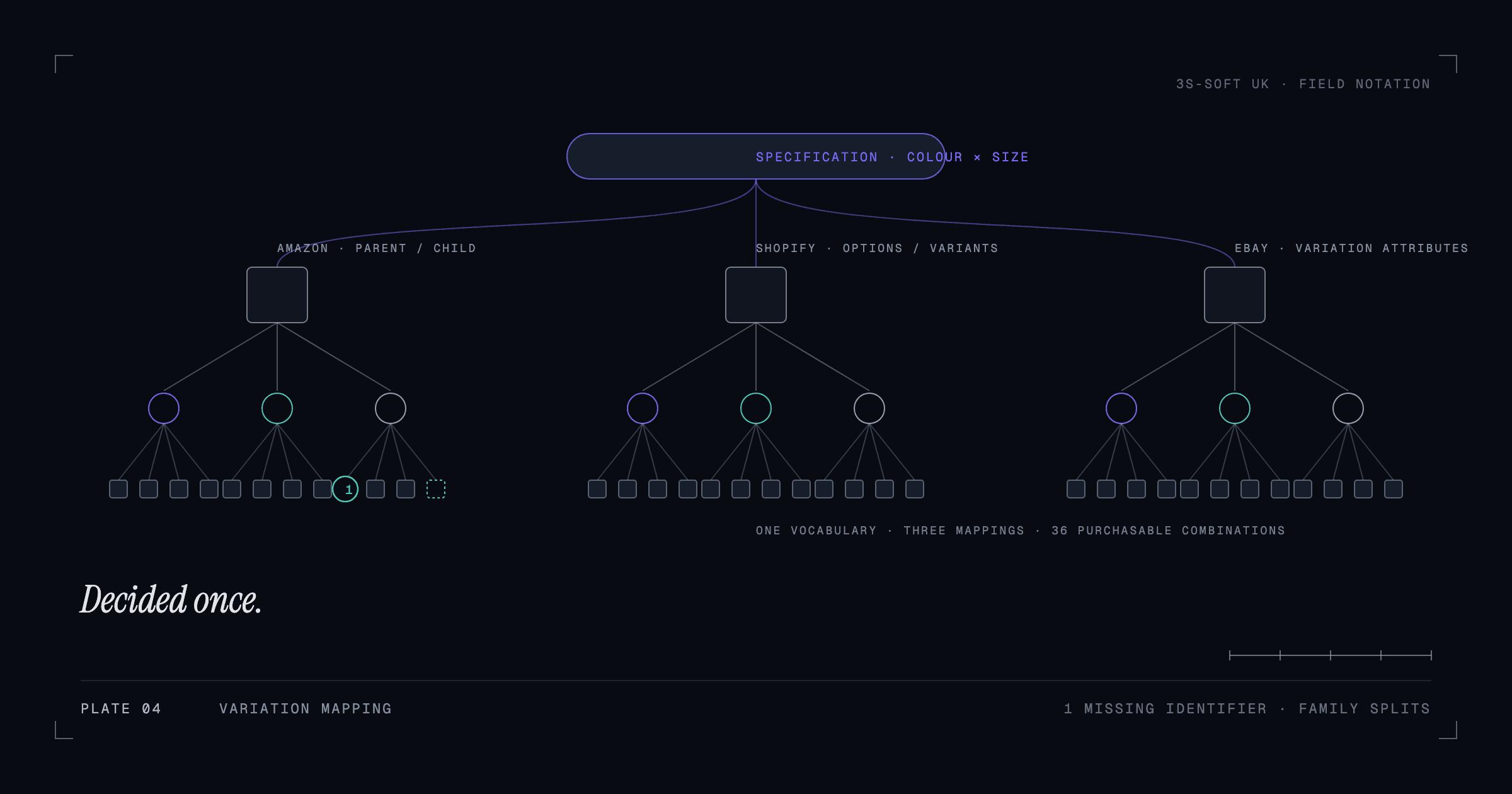
Map attributes to each channel's names
| Master field | Shopify | Amazon | eBay |
|---|---|---|---|
| Colour | Option: Colour | color_name / variation attribute | Item specific: Colour |
| Material | Metafield: material | material_type | Item specific: Material |
| Width (mm) | Metafield: width_mm | item_width with unit | Item specific: Width |
| Country of origin | Metafield: origin | country_of_origin | Item specific: Country/Region of Manufacture |
Keep the mapping as a document. When a channel adds a required attribute, you add a master column and a mapping line; you do not go hunting through listings. This mapping is also the specification for any integration tool, so it pays for itself twice.
A change workflow that keeps channels aligned
- Change the master record first, never a channel listing.
- Export or sync the change to each channel from the master.
- Spot-check one listing per channel after the sync.
- Log the change (what, when, who), so a problem later can be traced.
- Once a month, export each channel's current data and compare it with the master to catch anything edited directly.
Automate the boring part
Channel-sync apps, marketplace connectors and supplier feeds all exist to push the master to the channels. The right one depends on your platform and volume; the wrong one is any tool set up before the master and the mapping exist, because it will faithfully sync the mess. Our Price & Stock Sync plugin is an example on the supplier side: it keeps a WooCommerce store aligned with a supplier's catalogue so that prices, stock and products do not have to be retyped.
If you would rather not own this workflow in-house, this is what ongoing catalogue operations covers: an agreed monthly scope that keeps every channel aligned with the master.
Key takeaways
- One master record per product; every channel is an export from it.
- Structure content so it can be assembled per channel, not rewritten.
- Keep a written attribute mapping for each channel.
- Change the master first, sync, spot-check, log.
- Automate syncing only after the master and mapping exist.
Frequently asked questions
Do I need a PIM (product information management) system?
Not at small or mid scale. A disciplined master in your store or a spreadsheet, plus a documented mapping, does the job. A PIM becomes worth it when several people edit products daily across many channels and locales.
Which should be the master: my website or Amazon?
Usually the website, because it holds the richest data and you control it fully. Marketplace-first sellers without a website can use a spreadsheet or lightweight tool as the master and treat Amazon as one channel among others.
How do I find products that have drifted between channels?
Export each channel's listings and compare key fields (title, colour, size, dimensions, barcode) against the master by SKU. A spreadsheet lookup is enough to highlight mismatches.
How we can help
- Marketplace support and expansion
Listing and catalogue coordination across Amazon, Shopify and supporting marketplaces such as eBay, Etsy and Walmart.
- Product catalogue management
Clean, consistent, well-structured product data across hundreds or thousands of SKUs.
- Ongoing catalogue operations
A reliable team for the routine product work: new listings, updates, fixes and seasonal changes.