Shopify
Published 8 min readHow to organise a large Shopify product catalogue
A large Shopify catalogue stays manageable when four things are decided once and applied everywhere: a product naming convention, a collection structure built on rules rather than hand-picking, a small controlled set of tags, and metafields for anything that needs to be filtered or displayed. Everything else, including bulk edits and imports, gets easier once those are in place.
Why Shopify catalogues get messy
Shopify makes it easy to add a product in two minutes. It does not make you decide how that product should be named, which collections it belongs to, or which attributes it carries. Over a few hundred products, those small undecided choices turn into a catalogue where the same colour is written three ways, half the range is missing from the filters, and a seasonal collection has to be rebuilt by hand every year.
The fix is not a one-off tidy-up. It is a set of conventions that every new product follows, plus a way of checking that the existing products follow them too. This guide walks through the conventions we use when we take on Shopify catalogue work for clients.
Start with a product naming convention
The product title is what customers see in search results, on collection pages and in their basket, so it has to be consistent. Decide the order of elements once and write it down. A typical pattern for a product-based business is Brand, product type, key attribute, then size or pack where it matters.
- Keep the title to the product itself: "Merino Crew Jumper" rather than "Merino Crew Jumper – Navy – Medium". Colour and size belong in variants, not the title.
- Use the same vocabulary everywhere: if you say "Navy" in one product, do not say "Dark Blue" in the next.
- Put the SKU pattern in writing too, for example TYPE-COLOUR-SIZE, so warehouse, marketplace and store all agree.
- Write the convention into a one-page document that anyone adding a product must follow.
Build collections on rules, not by hand
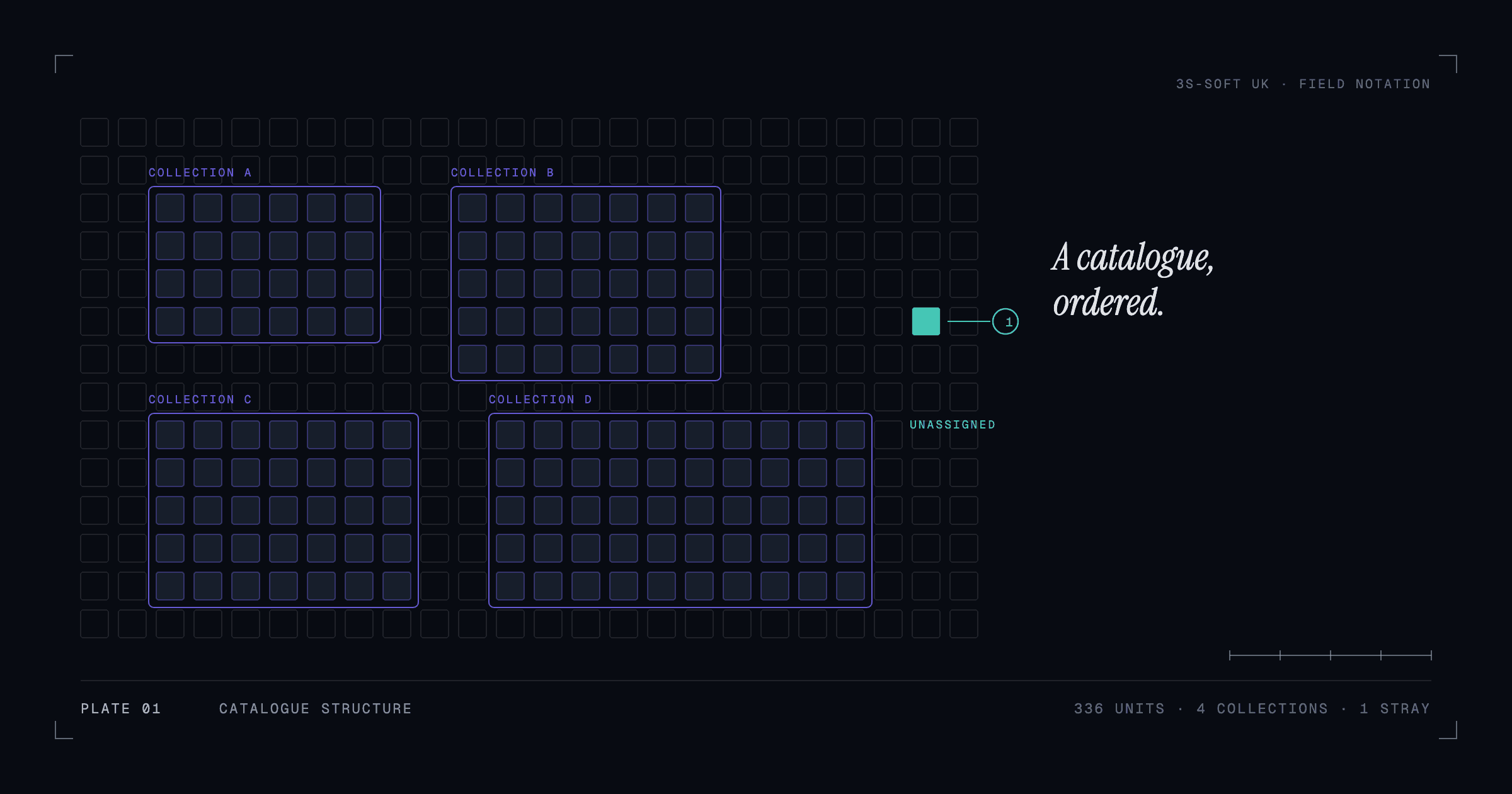
Shopify offers manual collections, where you pick products one by one, and automated collections, where products are included because they match conditions such as tag, product type, vendor or price. For anything over a hundred products, automated collections should be the default. A new product that follows your conventions drops into the right collections on its own.
A workable structure has three layers: top-level collections by product type (the main navigation), secondary collections by use or audience (gifts, bestsellers, new in), and campaign collections that exist for a season or a sale. Only the campaign layer should need manual curation.
Use tags sparingly and from a fixed list
Tags are the most abused field in Shopify because anyone can type anything. Treat them as a controlled vocabulary: a short, agreed list of tags with a defined purpose, such as material, occasion or a campaign flag. If a tag is only used on one product, it probably should not exist.
- Prefix tags by purpose when you have several kinds, for example material:wool, occasion:gift, campaign:ss26. The prefix makes filters and automated collections easier to set up.
- Review the tag list quarterly and merge or delete strays.
- Do not use tags for information that customers need to read on the page. That belongs in the description or in metafields.
Put structured attributes in metafields
Metafields hold structured data about a product: dimensions, care instructions, compatible models, country of origin, technical specifications. Unlike tags, they have a defined type (text, number, list, reference), can be shown on the product page by the theme, and can power storefront filters through Shopify's Search & Discovery app.
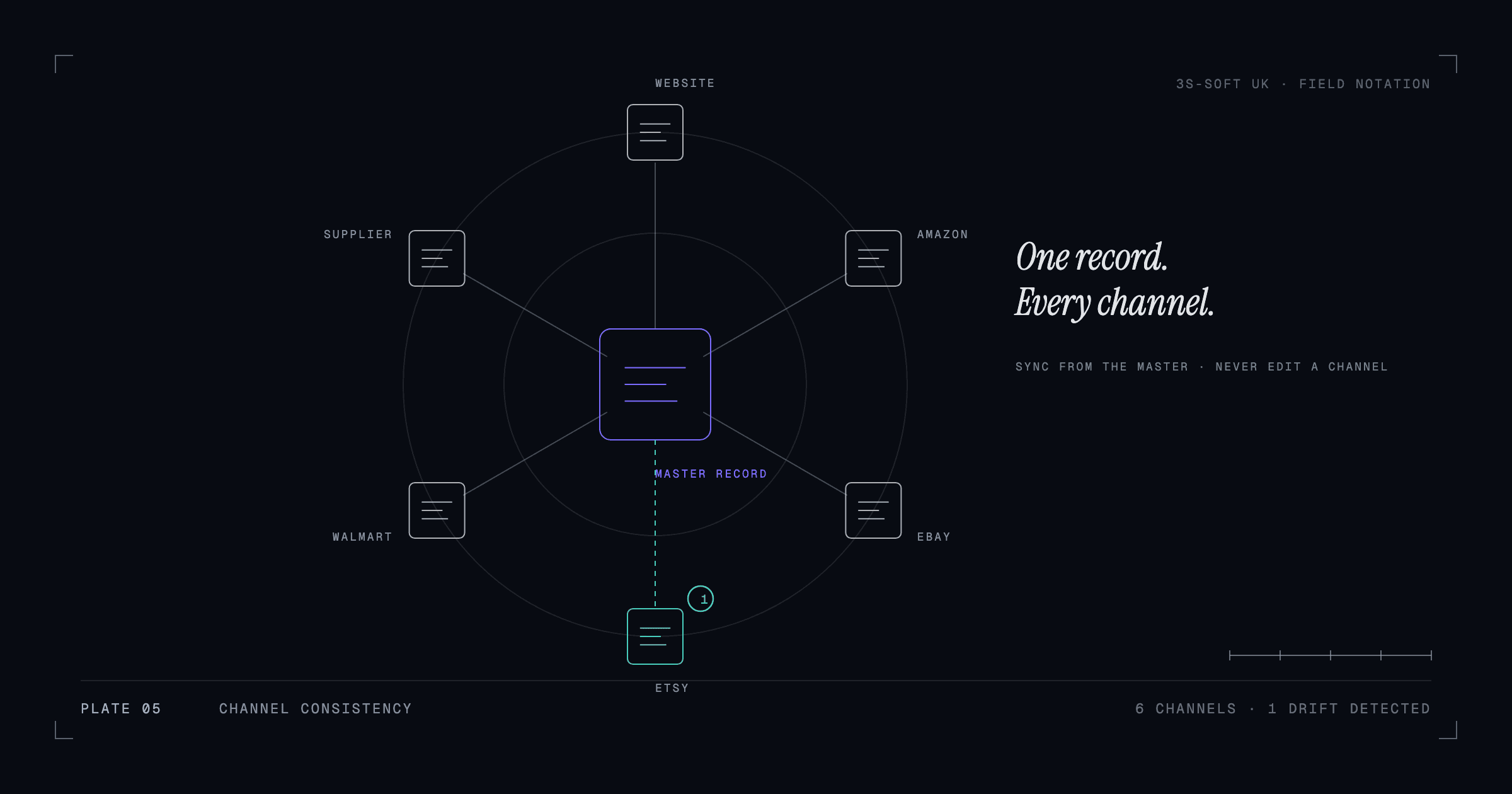
Define metafields for anything that customers filter by or compare, and for anything that the marketplaces ask for as an attribute. When the same attribute lives in a metafield, it can be exported to Amazon or eBay without being retyped, which is the first step towards consistent product content across channels.
Get variants right before anything else
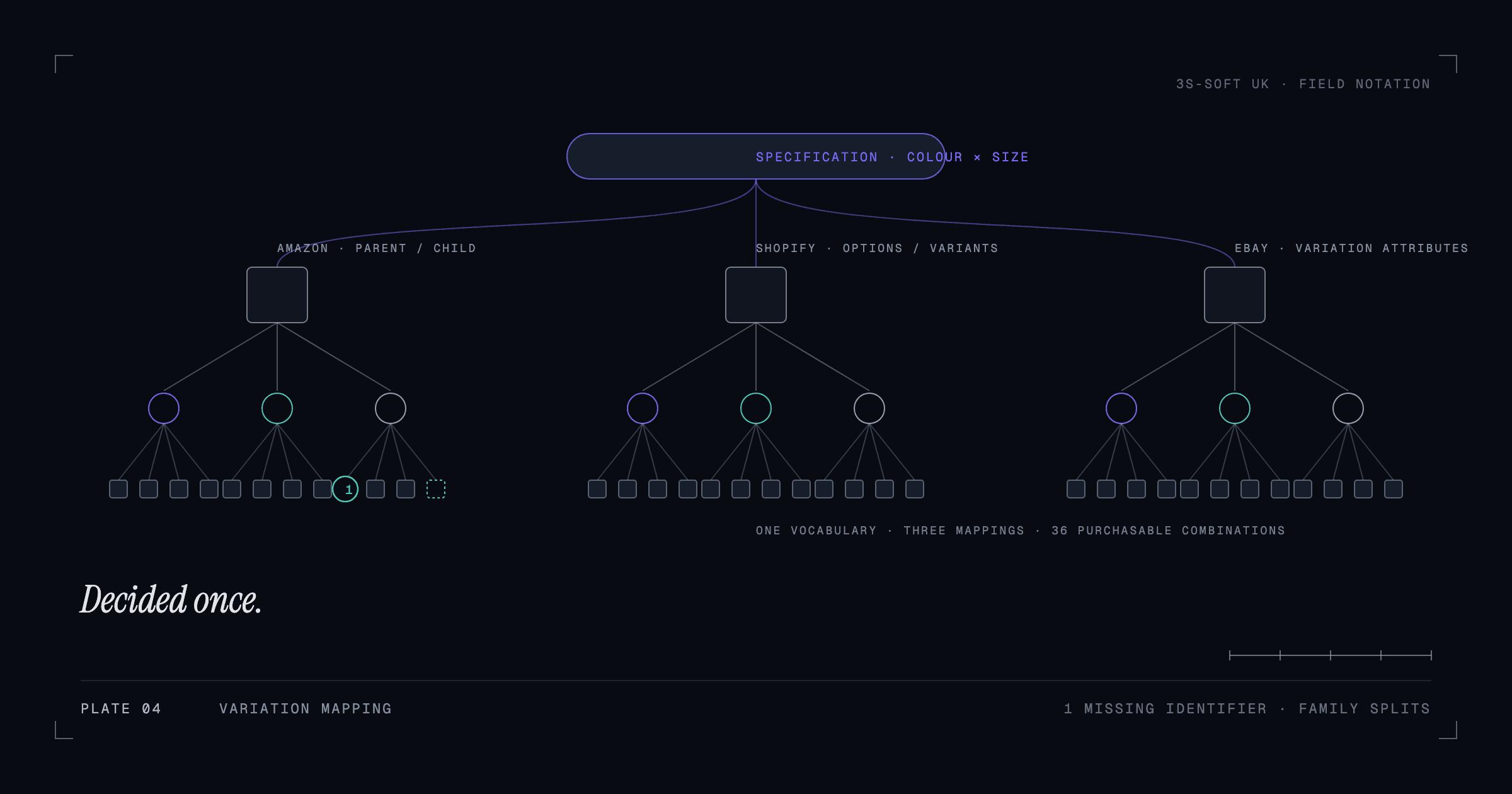
Shopify variants represent the purchasable combinations of a product's options, such as colour and size. A tidy catalogue uses the same option names and values across the whole range so that filters, size guides and marketplace exports behave. Decide whether colour is an option (one product, many variants) or a separate product (one product per colour) and apply it consistently; mixing the two models within a category confuses both customers and feeds.
Variant SKUs and barcodes must be unique and present. Missing barcodes are the most common reason a marketplace listing export fails. We cover the cross-channel side of this in managing product variations across Amazon, Shopify and eBay.
Bulk edit and import with a checklist
Once the conventions exist, use the bulk editor for changes across many products and CSV import for large structural changes. Both are powerful enough to damage a catalogue in one click, so work from a short checklist.
- Export the current products to CSV first and keep the file as a rollback.
- Make the change on a small filtered set and check the storefront before applying it to everything.
- Never import a CSV that was edited in a spreadsheet without checking that leading zeros, dates and special characters survived.
- Re-run your automated collections and filters after any import to confirm nothing dropped out.
- Record what changed and when, so the next person can follow the trail.
Keep it organised: a monthly routine
Catalogues decay because nobody owns the routine work. A short monthly check keeps a large store accurate: products with no product type or vendor, products in no collection, variants with no barcode, tags used fewer than three times, and images missing alt text. Most of these can be found with a filtered export and fixed with the bulk editor in an hour.
If that hour is the problem, this is the kind of work an ongoing catalogue operations arrangement exists for: an agreed monthly scope that keeps the store current without pulling your team off stock and customers.
Key takeaways
- Decide a naming convention, collection structure, tag list and metafield set once, and write them down.
- Automated collections and consistent product types do most of the organising for you.
- Variants need consistent option names, unique SKUs and barcodes before any marketplace export will work.
- Bulk edits and imports are safe only with an export-first, test-small checklist.
- A monthly audit keeps a large catalogue from drifting.
Frequently asked questions
How many products is a "large" Shopify catalogue?
The problems in this guide usually start somewhere between 100 and 300 products, when nobody can remember every item and more than one person adds products. At several thousand SKUs the conventions are essential rather than helpful.
Should I use tags or metafields?
Use metafields for structured attributes that customers filter by or that need to appear on the product page. Use a short, controlled list of tags for grouping and campaign flags. If you find yourself inventing new tags for each product, the information belongs in a metafield.
Can automated collections replace manual ones completely?
Almost. Manual collections are still useful for curated campaign pages where the selection is a merchandising decision. Everything structural, by type, brand, price band or attribute, should be automated.
What is the safest way to bulk-edit thousands of products?
Export to CSV first as a rollback, make the change on a small filtered set, check the storefront, then apply it to the rest. Avoid round-tripping CSVs through spreadsheet software that reformats barcodes and dates.
How we can help
- Shopify support
Store setup, customisation, product listing and the day-to-day upkeep that keeps a Shopify store running well.
- Product catalogue management
Clean, consistent, well-structured product data across hundreds or thousands of SKUs.
- Ongoing catalogue operations
A reliable team for the routine product work: new listings, updates, fixes and seasonal changes.